The following is primarily input and advice from John O’Kane, a principal software engineer with years of animation programming experience, with my contributions sprinkled throughout. Enjoy.
Overview #
An animation programmer’s primary role is to take a character (or object) design and provide the code and systems that will bring it to life.
This means a lot of talking with everyone involved:
- Design.
- Character artists.
- Animators.
- Technical artists.
- AI Programmers.
Typically you will provide the code glue that will activate or control all the visually moving features happening over time. The most common way to set all this up from within Unreal is using Animation Blueprints in an animation graph, but the idea is often found in other game engines too.
Most obviously you will start, loop, stop, or speed up skeletal animations at the correct time.
You might also:
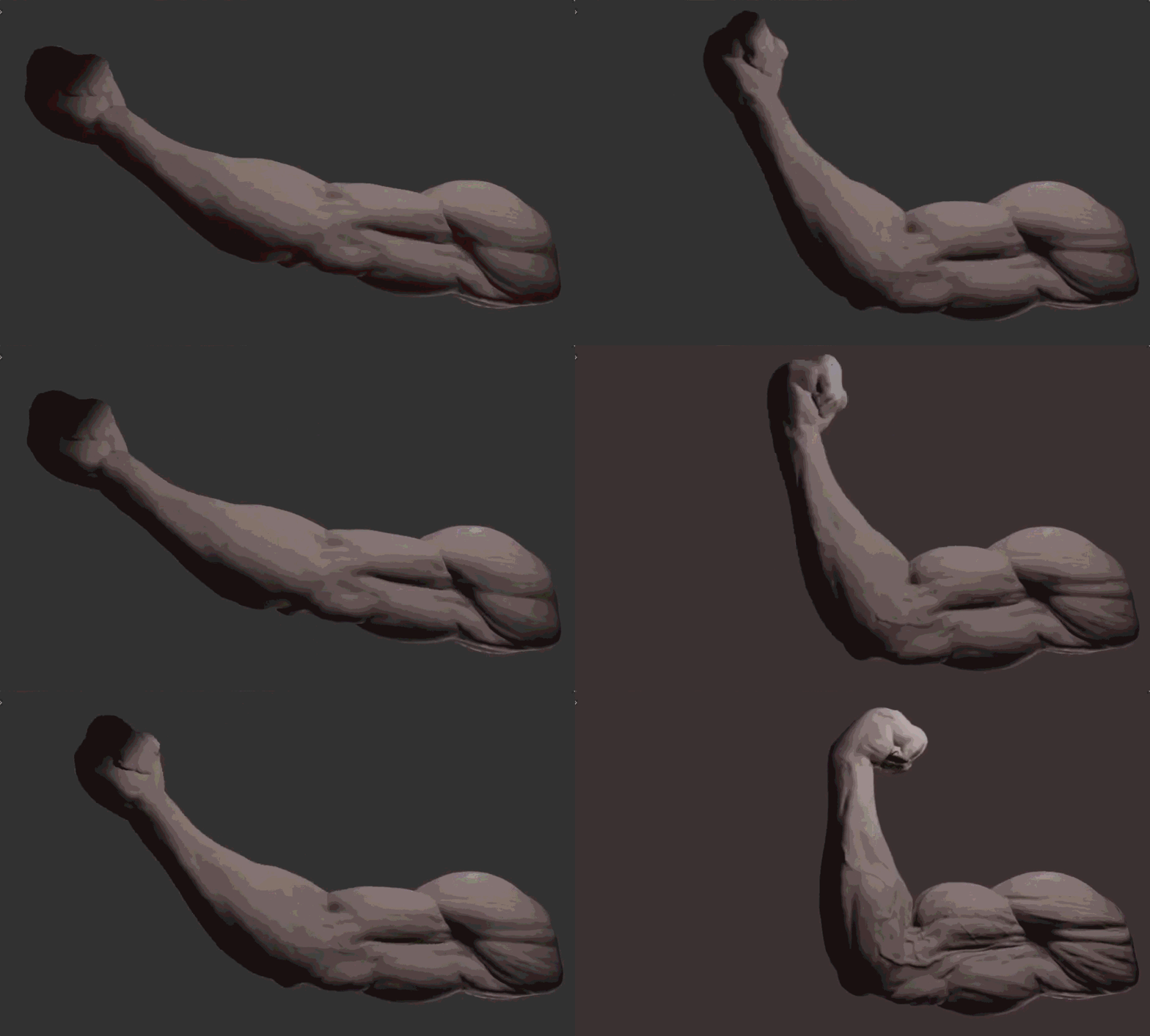
- Alter materials (e.g. alter the crease texture on a pair of trousers as the knee bends. Or muscle contraction when flexing, often seen on horses or muscular humans.)
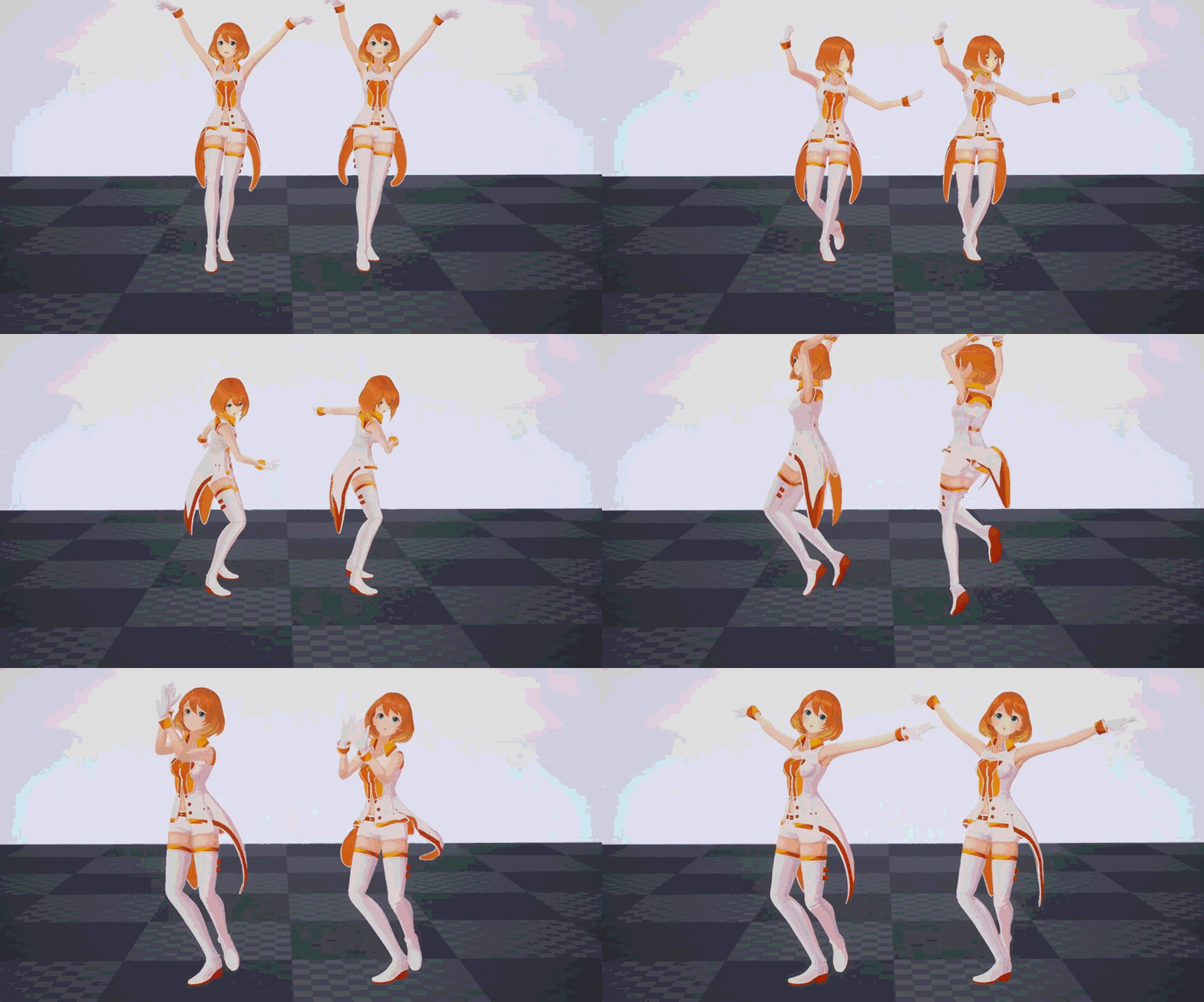
- Simulate physics or “secondaries”. (e.g. cloth or hanging belts or hair/ponytails.)
- Directly control the character’s movement from the animation. (Root Motion)
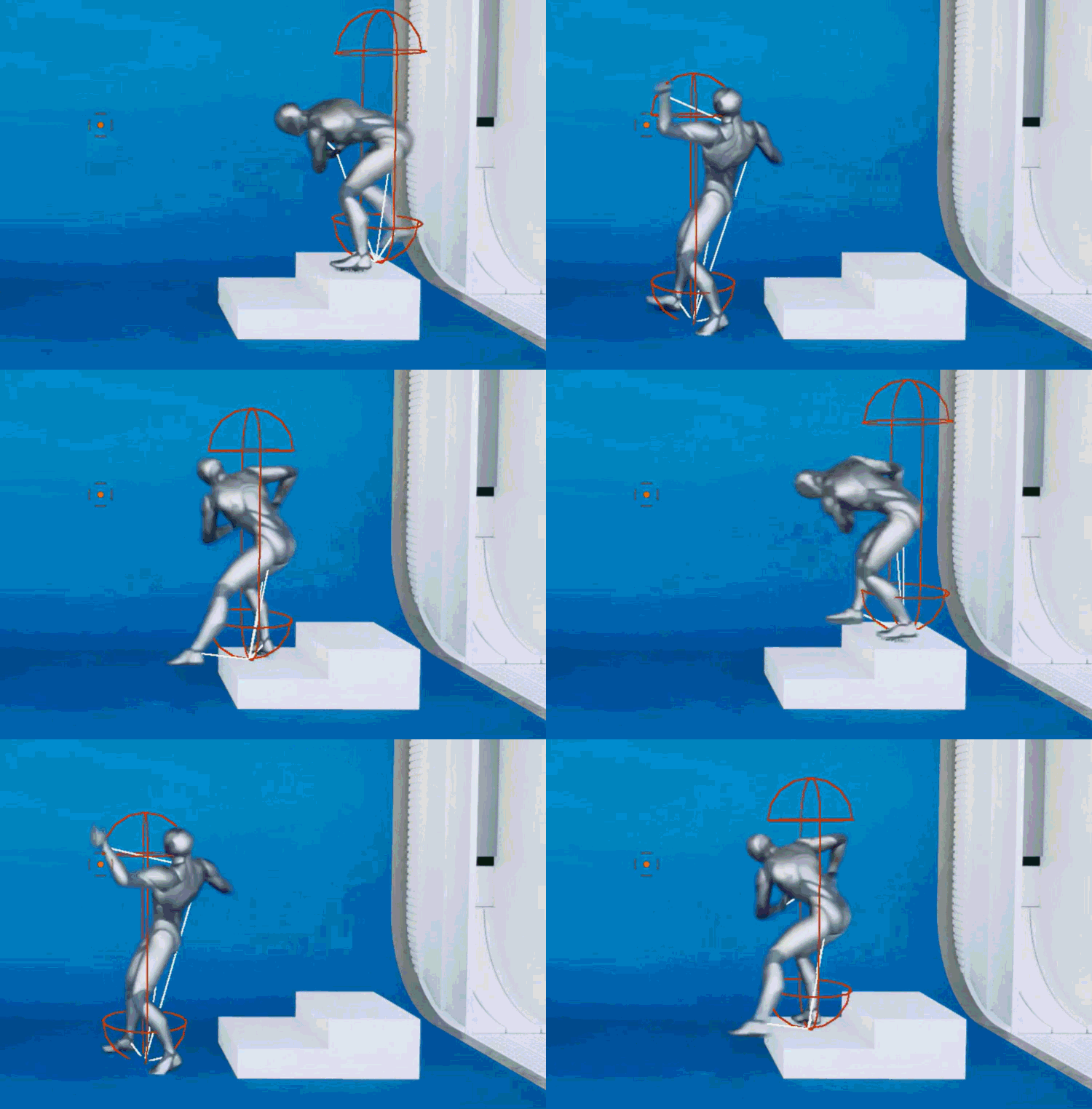
- This is often a big question in networking: “Does movement drive the animation, or the animation drive the movement?”
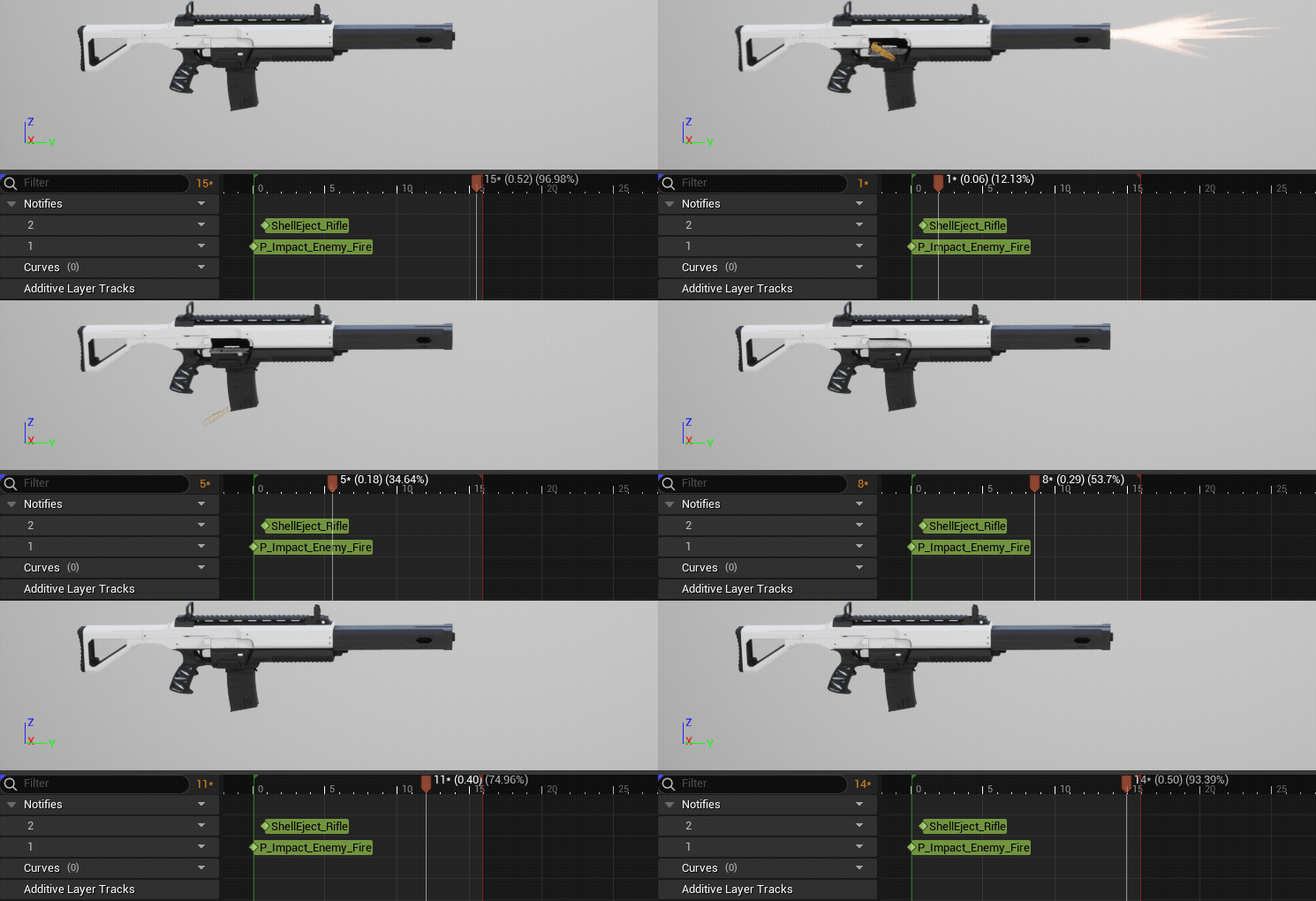
- Fire events from the animations, used for both logic and fx.
- To spawn some particles when swinging a sword.
- Trigger muzzle flash and audio when shooting.
- Release projectile when throwing.
- Set up masked blends: legs doing one thing while the upper body does another.
- When should animations split vs take over the whole body?
- Animation priorities, if you’re reacting to being hit and shooting which animation should take precedence? Is there a way to play them both?
- How does your equipped items or cosmetics change the animations you play?
- How to set up the systems that animators can easily plug in new animations and designers can add features that make use of those animations?
- Set up dynamic controls for hand and foot placement, or eye and head tracking.
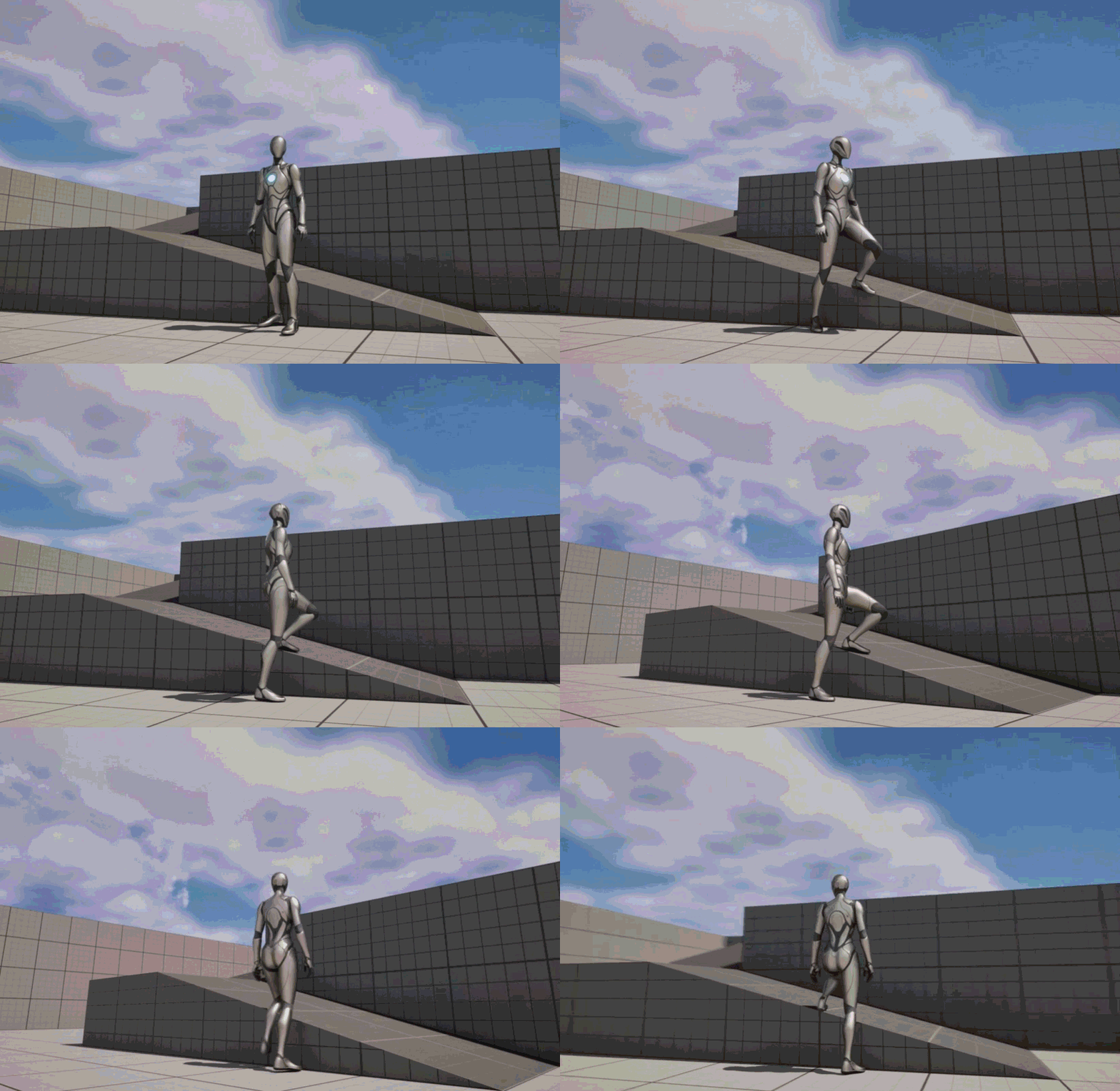
- Randomization of animation selection for crowds of the same type of character.
- And then of course how do you make this all run at 60/120fps?
Pros #
Why might a student want to pursue this role?
Pursue this role if you like seeing things come to life in a game. (This role can have a lot of overlap with AI Programming, as they’re both heavily involved in bringing the world to life.)
Obviously if you have an interest in Animation this role could be a good fit. Though you likely won’t be doing much actual animating yourself, having a good interest in and understanding of the principles of animation will go a long way in the role.
Cons #
Why might a student want to avoid this role?
Avoid this role if you don’t like talking to people. Not only will you be collaborating with Designers and Animators, but you’ll also likely be communicating with other other programmers who need to use the animation systems you’ll be setting up and building on.
Example #
Something you did in this role as an example of the kind of work you get to do?
One project had me working on an acrobatic quadruped creature that needed to leap, clamber up walls, hold in place and look around, and leap from wall to wall. Along with writing the logic for traversing, I worked closely with an animator to set up all the necessary turns, leaps, clambers, and holds to make the creature come alive.
Student Projects #
What kind of student projects would you recommend doing to prepare for this role?
Dive in, explore, and do things. Many of the best animation coding results have involved strong understanding of movement in the game, so try to get familiar as you can with movement. Start with the basics of walking, running and jumping, getting good turns in place. If you want to continue with movement, you could try introducing:
- Slides
- Crouching
- Ledge grabs and pulling yourself up
You could also introduce:
- Blend Layers for doing upper body actions while the legs run and jump.
- Can you set up aiming while moving in all directions?
- Simulate physics or “secondaries”: give your character a short scarf.
- Add ‘Root Motion’ actions that override the whole body.
- Animation selection: Changing what animation plays based on items equipped (small dagger vs large axe) or cosmetics.
- Dynamic foot and hand placement.
Have a look at Lyra or other template projects and see how they put together their animation. Learn their techniques and adapt them but don’t just copy the project.
Try to introduce a few techniques and get them to play well together. If your project is only triggering individual animations its a little less interesting than if you’re combining them with blend layers, dynamic placement, or secondaries.
Resources #
- Unreal Animation Tools:
- Quick tutorials on lots of animation (and other) tricks.
- The Lyra sample project is a brutal but deep introduction to animation blueprints.
- Low level animation code architecture:
- Tom Forsyth’s Character Animation chapter in Introduction To Game Development
- Understanding animations (art):
- The Animator’s Survival Kit - Richard Williams